
Robots.txt for WordPress: The Exact Setup You Need (2026)
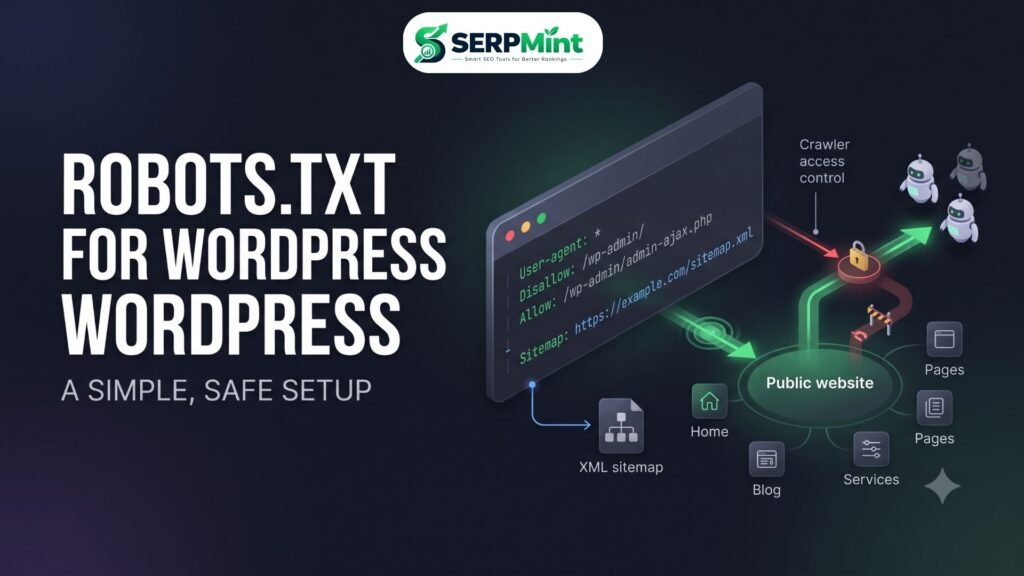
/wp-admin/, allows /wp-admin/admin-ajax.php, and points crawlers to your XML sitemap. It is a crawling rulebook, not a security tool.One incorrect robots.txt directive can prevent search-engine crawlers from accessing large parts of your website — and it can stay broken for weeks before you notice the traffic drop. Think of robots.txt as the receptionist at the front door of your site: it hands compliant crawlers like Googlebot a short list of areas they should or shouldn’t request. In this guide you’ll learn what robots.txt actually does, whether WordPress already provides one, the safe template for WordPress, the five mistakes that cause real SEO damage, and how to test every change before it hurts you.
What Is a robots.txt File? (In Plain English)
robots.txt is a plain-text file that provides crawler instructions for a website or host. Search engines can request it before crawling your URLs, and compliant crawlers use its rules to decide which paths they should and shouldn’t request.
What it does vs. what it doesn’t do
What robots.txt can do
- Guide crawler access across your site
- Reduce unnecessary crawling of backend areas
- Prevent crawlers from requesting specific paths
- Point crawlers toward your XML sitemap
What robots.txt cannot reliably do
- Protect confidential information (the file is public)
- Act as a password wall or security layer
- Guarantee a URL is removed from search results
- Replace
noindexor canonical tags - Stop malicious bots, which simply ignore it
That last column contains the most important distinction in technical SEO: crawling control is not indexing control. robots.txt controls crawler access; it does not reliably control whether a URL appears in search results.
Does WordPress Already Have a robots.txt?
Usually, yes — in a sense. WordPress automatically generates a virtual robots.txt response, which you can view at https://yourdomain.com/robots.txt. It may not be a physical text file in your root directory; WordPress builds the response on the fly.
If you upload a physical robots.txt file to your site root, it typically takes precedence over the virtual response. The default WordPress output is intentionally simple, and that’s not a flaw: many websites never need a complicated robots.txt. The goal is to keep the file as simple as possible while solving a real crawling problem.
The Perfect robots.txt for WordPress (Copy-Paste Template)
Here is a safe starting template for a typical WordPress site. Treat it as a sensible baseline, not a universal configuration:
User-agent: *
Disallow: /wp-admin/
Allow: /wp-admin/admin-ajax.php

Sitemap: https://example.com/sitemap.xml
User-agent: *
The asterisk means the following rules apply to all crawlers that follow the standard robots.txt protocol.
Disallow: /wp-admin/
This tells compliant crawlers not to request URLs under the WordPress admin path. Backend URLs don’t need to be crawled for public search visibility, so this is a common and generally safe rule.
Allow: /wp-admin/admin-ajax.php — Expert Note
WordPress core, themes and plugins can use admin-ajax.php for frontend AJAX functionality. This Allow exception keeps that endpoint requestable where needed. Not every site strictly requires it, but it’s a practical standard configuration that avoids accidentally cutting off legitimate frontend requests.
Sitemap:
This line gives crawlers the location of your XML sitemap. It’s helpful, but it doesn’t replace submitting the sitemap in Google Search Console — do both. If you haven’t built one yet, follow our guide on How to Create an XML Sitemap first.
Optional — Blocking AI Crawlers (2026 Update)
Some site owners publish crawler-specific rules for AI bots such as GPTBot, ClaudeBot or CCBot:
User-agent: GPTBot
Disallow: /

User-agent: ClaudeBot
Disallow: /

User-agent: CCBot
Disallow: /
This is optional and it’s a policy choice, not an SEO requirement. robots.txt is voluntary: compliant crawlers may follow these rules, but blocking a crawler creates no technical security, and it doesn’t guarantee your content can’t be accessed or copied by other means. Different AI companies use different crawlers and interpret robots.txt differently, so don’t feel pressured to block them all by default.
5 Dangerous robots.txt Mistakes That Kill SEO
- Blocking the entire website. The classic disaster:
User-agent: *
Disallow: /
This tells compliant crawlers not to crawl anything. It should never be added casually — for example, as a “temporary” staging rule that gets shipped to production. - Blocking CSS and JavaScript. Search engines need access to important resources to render and understand your pages. Old advice recommending blanket CSS/JS blocking is outdated and can harm how your pages are processed.
- Using robots.txt to hide private content. The file is public — anyone can request
/robots.txtand read your “hidden” paths. Protect sensitive areas with authentication and access controls. And remember: aDisallowdoes not reliably remove a URL from search. For deindexing, the appropriate tool isnoindex— and Google must be able to crawl the page to see that directive, so never rely on blocking the crawl to hide something. - Blocking the XML sitemap. Your sitemap must stay accessible. Never disallow
/sitemap.xmlor your sitemap index, and make sure theSitemap:line points to a file crawlers can actually fetch. - Using robots.txt for canonicalization. robots.txt does not consolidate duplicate URLs. For that, use
rel="canonical"and consistent internal linking.
How to Create and Edit Your robots.txt (3 Ways)
1. Use a free robots.txt generator
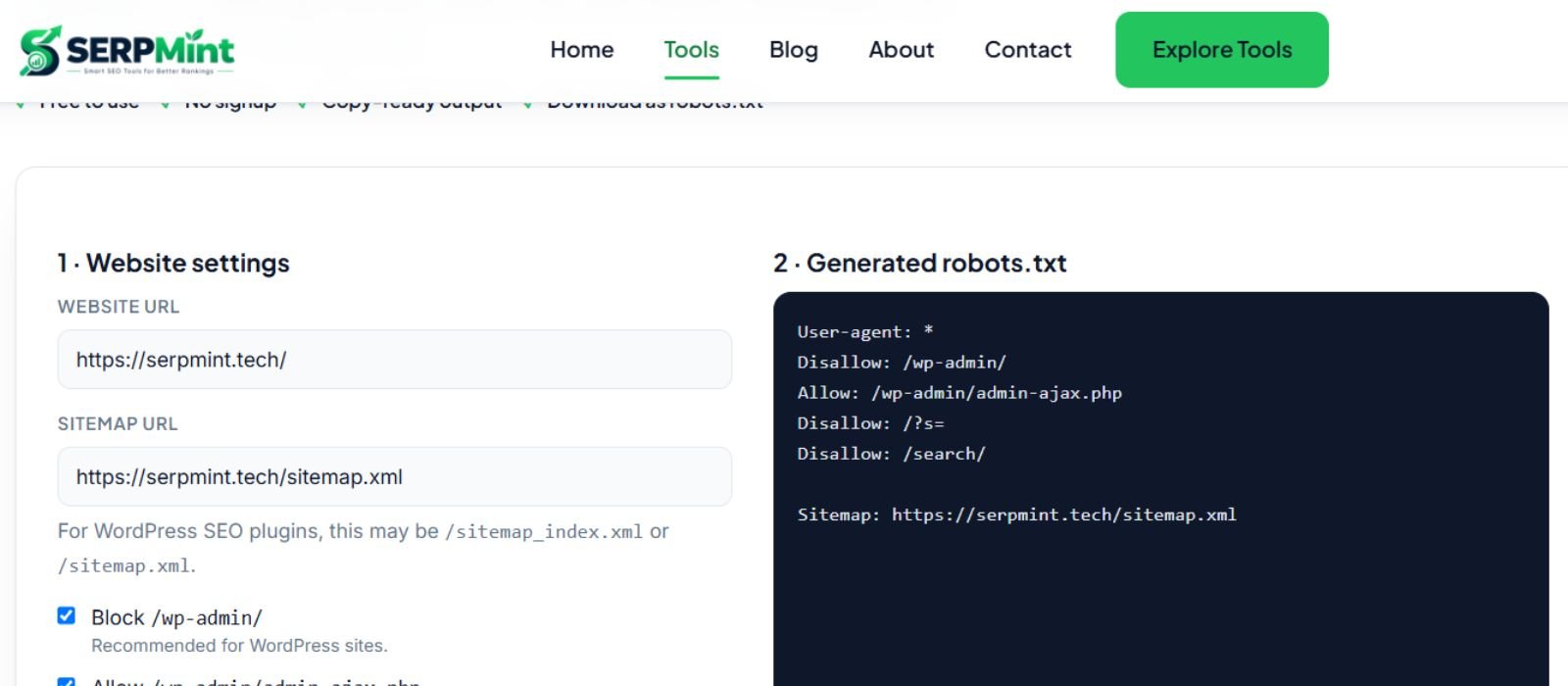
A generator reduces syntax mistakes, which is where most robots.txt damage comes from. Pick your rules, add the sitemap URL, review the output, then publish it. Want a safer starting point? Use the free Robots.txt Generator to create a clean file without writing the syntax manually.
2. Use an SEO plugin
Plugins such as Yoast SEO and Rank Math include robots.txt editing features. Interfaces change between versions, so always review the actual rules the plugin will publish before saving.
3. Manual upload
Create a plain-text file named robots.txt and upload it to your site’s root directory via your hosting file manager, cPanel or FTP/SFTP. The final URL must be https://example.com/robots.txt — not inside /wp-content/, /wp-admin/ or a subdirectory like /blog/. Note that protocol and host matter: HTTPS, HTTP, www, non-www and subdomains can each have separate robots.txt files.
How to Test Your robots.txt
Step 1 — Browser check. Open https://example.com/robots.txt and confirm the file loads, the syntax looks correct, the sitemap URL is right, and there is no accidental Disallow: /.
Step 2 — Google Search Console. Check the robots.txt reporting available for your property, which surfaces fetching issues and affected Googlebot requests, and use URL Inspection for page-level crawling diagnostics. Test after every change — a one-character typo in this file can silently block crawlers.
robots.txt FAQ
Does a robots.txt file prevent a page from being indexed?
No, not reliably. Google may discover a blocked URL through links or other sources and index it without crawling its contents. For pages that must not appear in search, use an appropriate noindex implementation — and make sure the page remains crawlable so Google can actually see the directive.
Where does the robots.txt file go?
At the root of the relevant host: https://example.com/robots.txt. Subdomains and different protocols can each have their own robots.txt file.
Can I block bad bots or scrapers?
You can publish rules for compliant crawlers, but malicious bots ignore robots.txt entirely. For real blocking, use a WAF, firewall rules, rate limiting, authentication and server-level controls.
What happens if I don’t have a robots.txt file?
Nothing catastrophic — absence doesn’t block crawling. For many small websites, no custom robots.txt is perfectly acceptable. Larger or more complex sites benefit from carefully defined crawl rules.
The One Table That Prevents Most robots.txt Mistakes
| Goal | Correct Tool |
|---|---|
| Control crawler access | robots.txt |
| Prevent indexing | noindex |
| Consolidate duplicate URLs | rel="canonical" |
| Help crawlers discover URLs | XML sitemap |
| Protect private information | Authentication / access control |
Conclusion
A good robots.txt for WordPress is short, boring and safe: allow public content, keep /wp-admin/ out of crawl queues with the admin-ajax.php exception, and point crawlers at an accessible XML sitemap. Never use it as a security wall, a deindexing tool, or a canonicalization hack — and never ship Disallow: / by accident. Test every change in the browser and in Search Console. Need help creating a safe robots.txt file? Use the free SERPMint Robots.txt Generator and generate a clean configuration in minutes — then pair it with schema markup and more Technical SEO guides.