
How to Write Meta Titles & Descriptions That Get Clicks
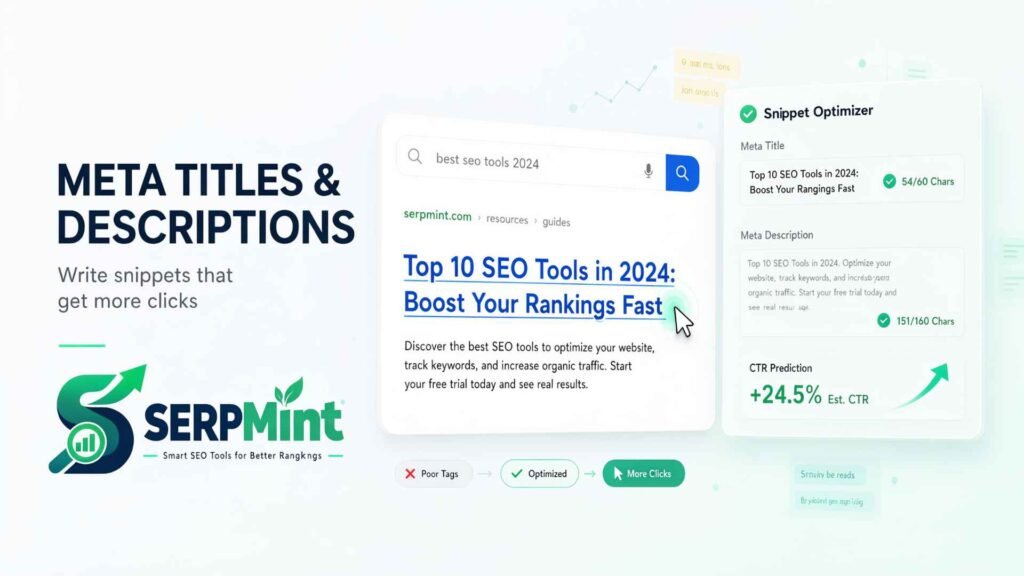
Every time your page appears on Google, your meta title and description act as your free advertisement. They are the first thing searchers see — and they decide whether your page earns the click or loses it to a competitor. Yet most websites still ship tags like “Home | My Website”. In this guide you’ll learn the exact length rules, writing formulas and real before/after examples that lift click-through rate (CTR), plus a free tool that writes and tests your tags in seconds.
What Are Meta Titles and Meta Descriptions?
A meta title (title tag) is the blue, clickable headline in search results. A meta description is the short paragraph below it. Together they appear on Google’s results page, in social shares and in browser tabs.
Google treats the title as a strong relevance signal. The description is not a direct ranking factor — but it heavily influences whether people click, and CTR indirectly affects how your page performs. In short: meta tags are where SEO meets marketing.
Meta Title Rules That Matter in 2026
- Keep it 50–60 characters (roughly 600 pixels). Longer titles get cut mid-message.
- Put the primary keyword in the first half — it’s what the searcher scans for.
- Promise a clear benefit or outcome: guide, checklist, examples, pricing, speed.
- Use numbers or the year when honest (“7 Examples”, “2026”) — they earn attention.
- Brand last, separated by | or — (e.g., “… | SERPMint”).
- One unique title per page. Always.
How to Write a Meta Description That Gets the Click
Aim for 140–160 characters and think of it as a two-sentence pitch: sentence one says what the page delivers, sentence two says why to click now. Include the keyword naturally — Google bolds it in results — and end with a soft call to action.
Proven formulas you can adapt:
Keep it in active voice, and avoid quotation marks — they can cause Google to truncate the snippet early.
5 Before & After Examples
1 · Homepage title
2 · Service page title
3 · Blog post description
4 · About page title
5 · Product description
Common Meta Tag Mistakes to Avoid
- Keyword stuffing — it reads like spam and hurts CTR.
- Duplicate tags across pages — Google may ignore them.
- Tags that don’t match the page — bounces kill trust and rankings.
- Wasting the first 30 characters on “Welcome” or your brand name.
- No description at all — Google will pick random text from the page.
- Over-promising — a click that disappoints is worse than no click.
Generate & Test Yours in 30 Seconds
Rules are easier to follow when a tool checks them for you. The free SERPMint generator writes multiple title and description options from your keyword, counts characters live, and shows a realistic Google preview — so you see the truncation before Google does.
Live character counters, 6 title + 6 description options, and a Google SERP preview.
Try the Free Tool →Meta Tags FAQ
Does the meta description affect rankings directly?
Not directly. But a better description lifts CTR, and pages that earn more clicks tend to perform better over time. Treat it as conversion copy, not code.
What happens if my title is too long?
Google truncates it with an ellipsis, often cutting your benefit or brand. Keep titles at 50–60 characters so the full message survives.
Should I include my brand name in every title?
Usually yes, at the end (“| YourBrand”). It builds recognition without wasting the high-value first characters.
Can Google rewrite my meta tags?
Yes. If Google thinks your page content matches the query better, it may replace your description. Well-written, accurate tags still win most of the time.
How often should I rewrite meta tags?
Review your top 10 pages quarterly, and rewrite whenever content changes or CTR drops in Search Console.
Next step: meta tags are only half of on-page SEO. Generate structured data with the free Schema Markup Generator, or browse all free SEO tools and the On-Page SEO guides.